
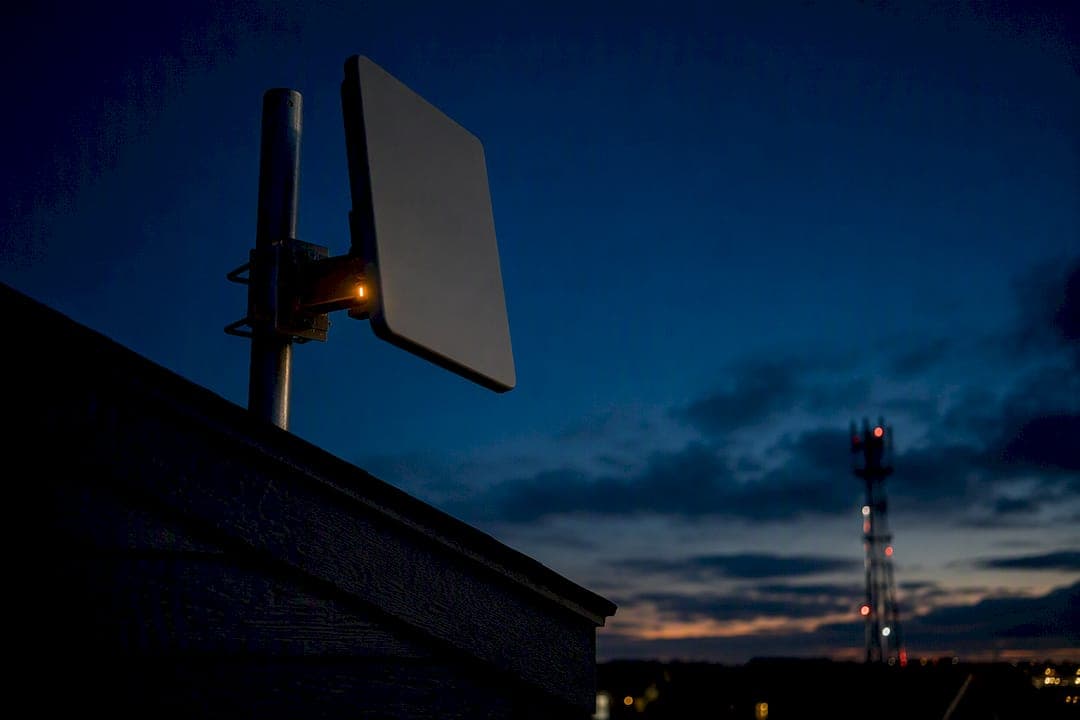
Fixed wireless internet works well as a primary connection for renters, rural households, and small businesses that need service fast, and as a reliable backup link for anyone else. The tradeoff is real: setup takes days instead of weeks, but performance rides on line-of-sight to a tower and can wobble more than cable or fiber. If your address has a clean signal path and your needs are mainstream streaming and remote work rather than competitive gaming, it's usually worth it.
TL;DR:
- Fixed wireless internet is ideal for renters, rural households, and small businesses needing quick setup and reliable backup connections, especially outside wired coverage areas.
- Signal quality depends on a clear line-of-sight, and weather or obstacles like trees and buildings can significantly degrade performance, especially at higher frequencies.
- Typical fixed wireless speeds range from 25 Mbps to 1 Gbps, sufficient for HD streaming and remote work, but latency and throughput may fluctuate during peak hours and adverse conditions.
- For backup use, confirm whether providers allow multiple physical addresses for the antenna and test the connection over several weeks rather than relying on single measurements.
- Continuous performance monitoring during trial periods offers a better picture of real-world stability than one-off speed tests, particularly during peak hours and storms.
Table of Contents
- What Are the Real Advantages of Fixed Wireless Internet?
- What Are the Drawbacks of Fixed Wireless Internet?
- How Does Fixed Wireless Internet Actually Work?
- Fixed Wireless vs. Fiber, Cable, and Satellite: What the Numbers Show
- Is Fixed Wireless Worth It for Your Situation?
- How to Test Your Fixed Wireless Connection Before Committing
- Why Continuous Measurement Beats a Single Speed Test
- Put Your Fixed Wireless Trial to the Test
- Sources
What Are the Real Advantages of Fixed Wireless Internet?
Fixed wireless earns its place on the shortlist for one main reason: it shows up where wired options don't. In areas outside a fiber build or beyond a cable company's footprint, fixed wireless access fills a genuine gap, and the technology is expanding fast. Industry tracking shows fixed wireless connections climbing sharply year over year as carriers push 5G home internet into markets that fiber crews haven't reached yet.
The deployment advantage is where fixed wireless genuinely separates itself from wired alternatives. There's no trench to dig, no permit process for running conduit under a street, no crew waiting on utility locates. A technician mounts an antenna or hands you a self-install gateway, and you're online within days rather than months.
- Fast activation: many providers offer next-day or same-week installation, versus weeks or months for new fiber drops.
- Simple, predictable pricing: most 5G home internet plans run month-to-month with flat rates and no long-term contract.
- Headline speeds that cover real needs: typical 5G home plans range from about 25 Mbps to 1 Gbps, enough for HD and 4K streaming, video calls, and most remote-work tasks.
- A capable backup link: businesses running fiber or cable as primary service increasingly add fixed wireless as a failover connection that keeps operations running during an outage.
Local wireless internet service providers, often called WISPs, play a bigger role here than most people realize. Industry reporting projects the fixed wireless broadband sector is projected to grow substantially over the next several years, largely because regional operators can serve pockets that national carriers skip.
Pro Tip: If you're weighing fixed wireless as a backup rather than a primary line, check whether your provider allows a second physical address for the antenna. Rooftop placement often beats a window mount for consistent uptime during storms.
What Are the Drawbacks of Fixed Wireless Internet?
The list of fixed wireless internet disadvantages starts with physics: the signal needs a clear path from your antenna to a tower, and anything in the way degrades it. Tree growth, a new building across the street, even a thick wall can cut your effective speed well below what a provider quoted at signup.
Weather and foliage matter more here than with cable or fiber. Higher-frequency signals, including millimeter wave and much of the mid-band spectrum carriers use for 5G home internet, are more sensitive to rain, humidity, and seasonal leaf cover than lower-frequency alternatives. A connection that tests fine in March can slow down once trees fill out in June.
- Line-of-sight sensitivity: obstructions between your antenna and the nearest tower directly cut throughput.
- Weather and foliage swings: rain, humidity, and leaf density can degrade higher-frequency bands.
- Tower congestion: performance often dips during peak evening hours as more households share the same access point.
- Upload limits: many fixed wireless plans favor download speed heavily, which strains cloud backups, video uploads, and multiple people on video calls at once.
A useful benchmark: Preseem's network data shows most access points stay under three times oversubscribed and still deliver sub-100 ms latency at peak times, which suggests congestion issues usually trace back to a specific provider's network management rather than the technology itself. A poorly run network will show creeping evening slowdowns and inconsistent speeds week to week. That pattern is the clearest sign to look elsewhere.
How Does Fixed Wireless Internet Actually Work?
Fixed wireless internet connects a dish or antenna at your home or business to a nearby cell tower or dedicated wireless access point, unlike a mobile hotspot that roams between towers or satellite internet that bounces signal off orbiting hardware. The link is fixed in both senses of the word: your antenna stays put, and it talks to one specific tower, usually within a few miles.
The spectrum used shapes what you get. Low-band and mid-band 5G travel farther and penetrate walls better but cap out at more modest speeds. Millimeter wave delivers the highest theoretical throughput but only over short distances with a clean sightline. Many regional WISPs also use CBRS (Citizens Broadband Radio Service) or unlicensed bands to deliver fixed wireless access without leasing licensed spectrum, which keeps costs down but adds more sensitivity to interference.
Equipment ranges from a simple indoor gateway with a built-in antenna to a window-mounted unit, up to a roof or pole-mounted dish for the strongest signal. A licensed fixed wireless deployment typically pairs with professional installation, since alignment precision matters more as frequency increases.
Fixed Wireless vs. Fiber, Cable, and Satellite: What the Numbers Show
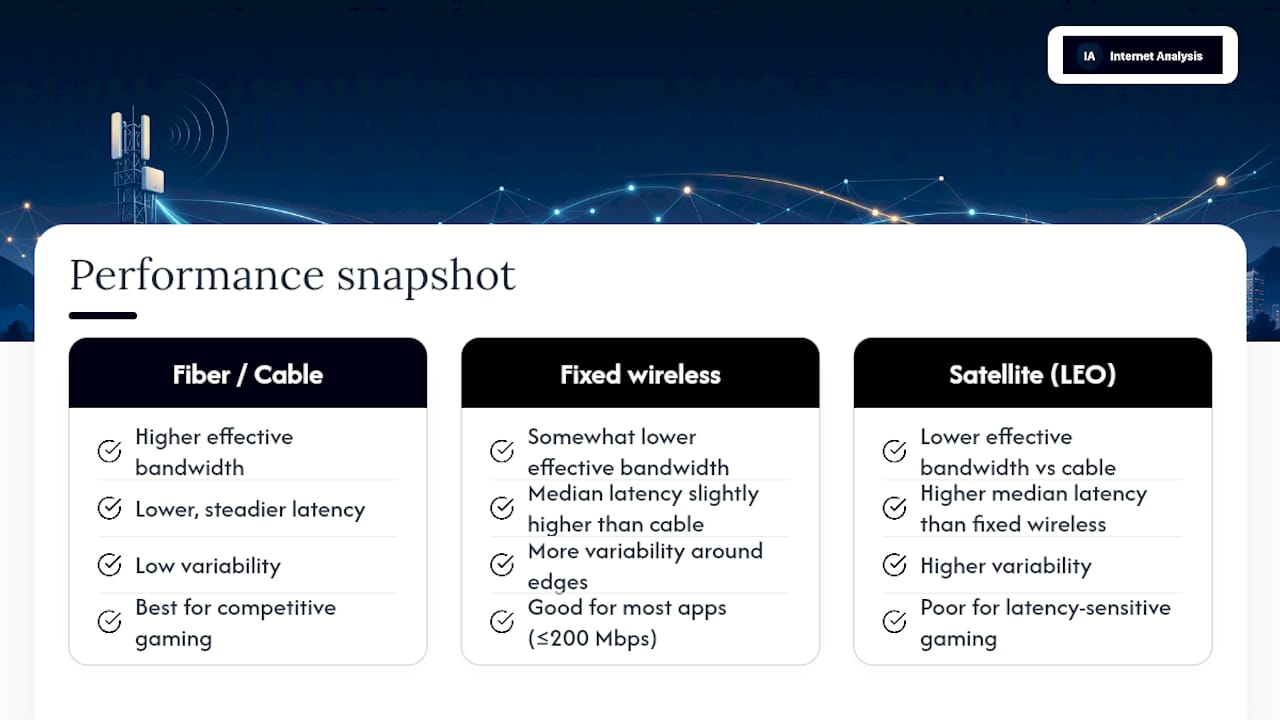
Fixed wireless usually loses a head-to-head speed test against cable and fiber, but the gap is smaller than marketing pages suggest, and it's often irrelevant for everyday use. NetForecast's QMap testing measured fixed wireless connections have median latency and effective download speeds somewhat lower than cable, but often sufficient for common usage
The key figure isn't the headline speed test number. It's "effective bandwidth," what a connection actually sustains under real load across many measurements over time, rather than one clean burst during a single test.
That distinction explains why a fixed wireless plan advertised at 300 Mbps might feel noticeably different from a cable plan advertised at the same number. Latency-sensitive satellite competitors fare worse still. Low-earth-orbit satellite service shows higher median latency than fixed wireless in similar testing, higher than fixed wireless.
For context on what these numbers mean practically: most applications, including video calls and cloud-based work tools, run fine under 100 ms of latency and under 1% packet loss. Fast-twitch competitive gaming is the exception. There, every extra millisecond registers, and cable or fiber's lower, steadier latency gives a real edge. If you're deciding whether your household needs matter for 200 Mbps and up, fixed wireless clears that bar in most cases, just with more variability around the edges.
Is Fixed Wireless Worth It for Your Situation?
Fixed wireless tends to make the most sense for a specific set of buyers, and figuring out where you fall on that list is more useful than any spec sheet.
- Renters and short-term occupants who don't want to commit to a wired install for a lease that might not last past a year.
- Rural households outside a fiber or cable footprint, where fixed wireless may be the only real broadband alternative to satellite.
- Anyone who needs service immediately, since activation typically takes days rather than the weeks a new fiber trench requires.
- Small businesses adding a secondary connection for continuity if their primary line drops during an outage.
Before signing up, ask providers pointed questions rather than accepting a generic coverage map:
- What are the tested speeds at my specific address, not just my ZIP code?
- How do you measure and disclose network congestion during peak hours?
- Is professional installation available, and does it include a signal alignment check?
- What's the deprioritization or data management policy under heavy network load?
- Is there a trial period or satisfaction guarantee before I'm locked into a contract?
Red flags worth walking away from include a provider who won't discuss address-level testing, vague answers about "typical" versus guaranteed speeds, and no trial window at all. A company confident in its network usually offers some form of a no-risk trial.
How to Test Your Fixed Wireless Connection Before Committing
A single speed test tells you almost nothing about whether fixed wireless will hold up long-term. Conditions shift by hour and by season, so the only real way to judge a connection is to watch it over time.
Over a two to four-week trial, run download and upload samples at both peak hours (typically evenings) and off-peak hours, log latency and packet loss continuously rather than once, and run occasional traceroutes to spot where delays are creeping in. Reviews.org's guidance backs this up directly: fixed wireless latency is inherently more variable than wired connections, which makes one-off testing unreliable for judging fit.
Look for a median download speed that comfortably covers your household's needs, latency staying under 100 ms for most hours, and packet loss below 1%.
- Move the gateway to a window facing the tower if signal seems weak.
- Try an external or roof-mounted antenna if an indoor unit underperforms.
- Bring in a professional installer for alignment if self-install results stay inconsistent after a week.
Pro Tip: If speeds and latency haven't stabilized to an acceptable range after two weeks despite repositioning, that's usually the signal to try a different technology rather than keep tweaking hardware.
Why Continuous Measurement Beats a Single Speed Test
A speed test taken once, on a good afternoon, tells you almost nothing about how a fixed wireless connection will behave during a Tuesday evening rush or a rainy week in October. Real judgment comes from watching the pattern: does latency creep up at 8 p.m.? Does packet loss spike during storms? Those patterns only show up with repeated measurement, which is exactly the gap that trips up buyers who trust a single provider-supplied number.
That's the whole argument for treating a fixed wireless trial like a diagnostic project rather than a leap of faith.
— Tomasz
Put Your Fixed Wireless Trial to the Test
If you're running a two to four week trial on a fixed wireless plan, don't just eyeball your video calls and hope for the best. A continuous measurement approach similar to NetForecast and Preseem’s industry-level methods can be applied to your own connection.
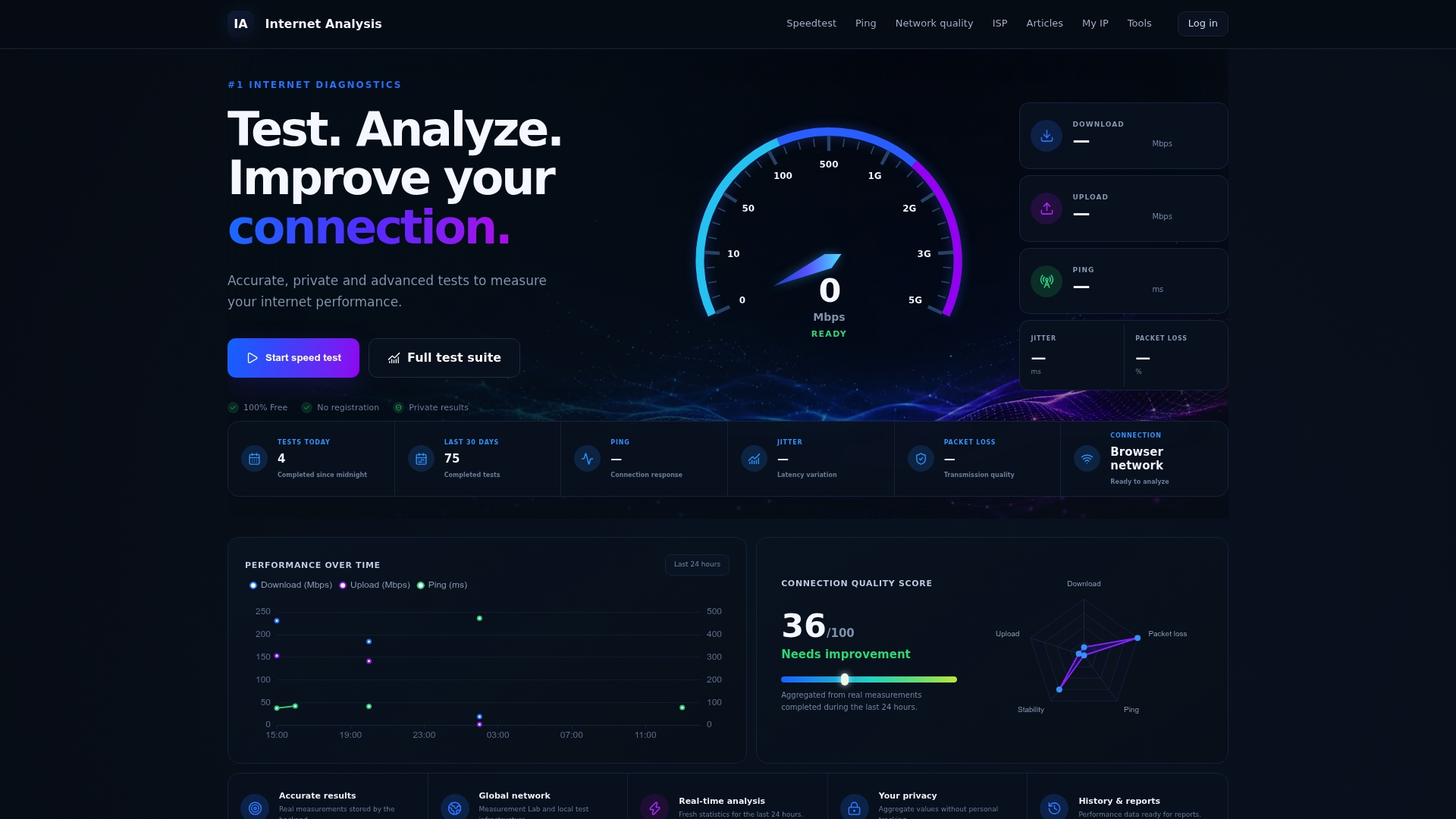
Run an internet speed test at different times of day to catch peak-hour slowdowns, then check latency and jitter to see how stable your connection stays under load. If your video calls or cloud backups are stuttering, the packet loss test will show whether dropped data is the culprit, and the real-time monitoring tool logs performance continuously so you're not relying on a single snapshot. All of it runs from your browser, with results aggregated anonymously rather than tied to any personal account.
For small businesses adding fixed wireless as a backup link while traveling or working remotely, a connectivity checklist for professionals is worth reviewing alongside your trial data. Start logging your connection now at Internet-analysis and know exactly what you're getting before your trial period runs out.
Sources
- What is fixed wireless access? A connectivity guide
- Preseem Fixed Wireless Network Report (Q1 2024)
- FWA connections by technology (Statista)
- Reviews