
Blog
Discover our latest articles and blogs
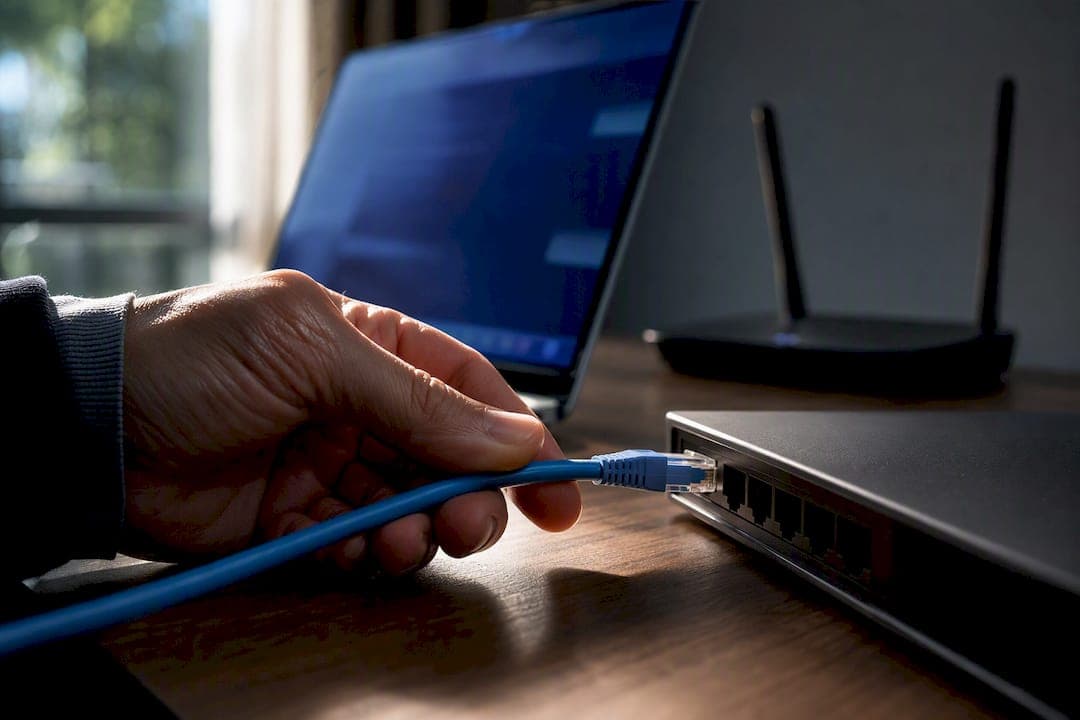
Test Wi‑Fi vs Ethernet for Your Home: 0–2 ms vs 5–15 ms
Stop guessing. Run quick wired and wireless tests to measure throughput, latency, jitter, and packet loss, then wire the stationary devices that need...

Technician Workflow to Reduce Jitter With 60 Second Ping and MTR
A technician prioritized workflow to reduce jitter: run a 60 second ping and MTR to prove the fault, use wired Ethernet or SQM (fq_codel/CAKE), then...

Fix Lag Without Upgrading: Measure Ping vs Latency and Reduce Delay
Learn why ping (RTT) differs from one-way latency, how to measure both correctly, and practical fixes to reduce lag without upgrading your plan.
Home Networks: Prove IPv6 Is Broken With ping -6 Before You Call Your ISP
Home users: prove whether IPv6 failure is a device, router, or ISP issue. Copy-paste commands (ping -6), router checks, and a free privacy-minded IPv6 test.
Prove in 10 Minutes Which Band Wins for Your Home: 2.4 GHz vs 5 GHz
Use 5 GHz for phones, laptops, and streaming; keep 2.4 GHz for distant smart devices. Verify which band wins with a 10-minute speed and latency check.

Test Upload and Latency Before Paying for Symmetrical Internet
Run upload, latency, and packet loss tests to prove whether symmetrical internet will speed your backups, calls, or streams. Follow four practical checks...
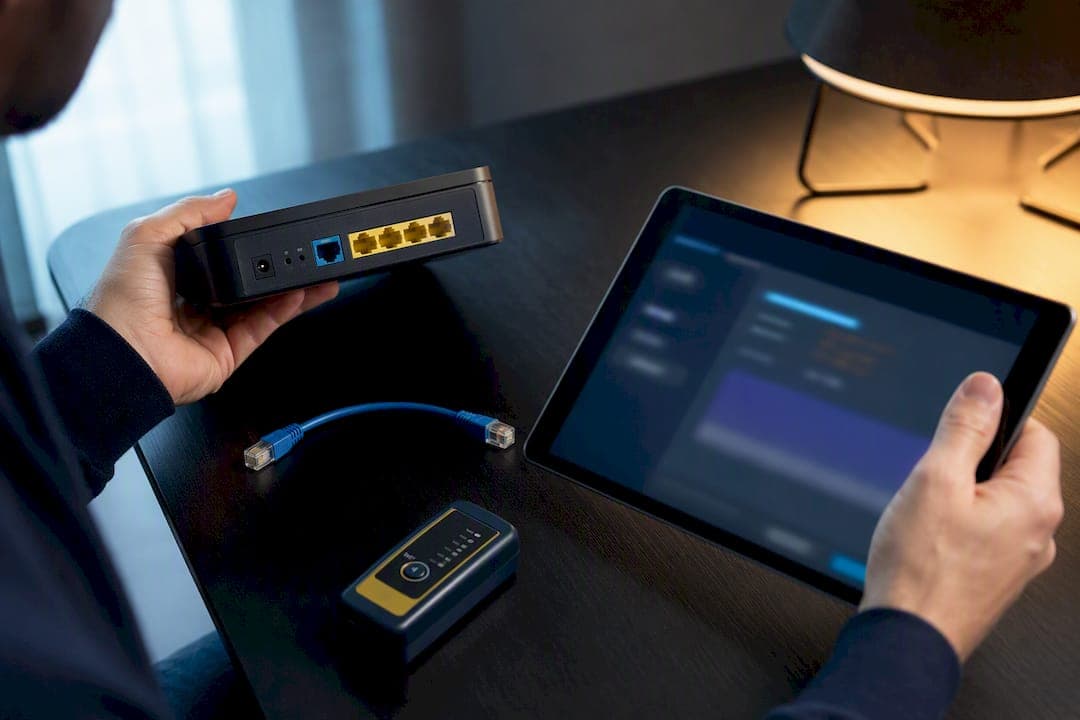
Home Networks: Prove CGNAT and Fix Port Forwarding via ISP, IPv6, or Tunnel
Prove CGNAT with WAN and public IP evidence, then fix port forwarding: ask your ISP for a public or static IP, enable IPv6, or use a managed tunnel or VPS.

Fix Slow Upload Speed in 15–30 Minutes With a Test First Flow
Fix slow upload speed in 15–30 minutes. Run a wired test, pause cloud syncs, follow the ISP checklist, and document results with a privacy-preserving test.

Prove Transit Savings With Tests: ISP Peering for Network Engineers
Network engineers: learn a measurement-driven playbook to set up ISP peering, cut transit costs and latency, and verify results with BGP safeguards and...