

Check which providers actually serve your street address, not your ZIP code, then rank them by connection type before you look at price. Fiber wins on latency and reliability whenever it's available; where it isn't, cable is usually the strongest fallback. Speed alone decides very little. A 2026 CNET survey found that 63% of Americans are paying more for internet service that still lets them down on reliability, which tells you the plan most people picked wasn't the right one for their address.
Do this in the next 20 minutes:
- Run an address-level availability search and list every provider that shows up.
- Sort that list by connection type, then note true monthly cost, not the promo rate.
- Book a speed and latency test for the day after installation, before your return window closes.
Pro Tip: Screenshot every price and term you see during shopping. Promotional pages change fast, and a screenshot is your evidence if the bill doesn't match what you signed up for.
Key Takeaways
The right ISP is the one that's actually available at your exact address, delivers your required speed and latency reliably, and costs what you calculated over the full contract term, not just the promo period.
| Point | Details |
|---|---|
| Check your address, not your ZIP | Address-level checks catch unit-level restrictions that ZIP-only searches miss. |
| Prefer fiber, then cable | Fiber offers the best latency and reliability; cable is the strongest fallback where fiber is absent. |
| Calculate true monthly cost | Add equipment fees, taxes, and post-promo rate increases before comparing plans. |
| Judge reliability before signing | Combine national satisfaction data with local reviews to spot recurring outage patterns. |
| Verify performance after install | Use Internet-analysis's speed, latency, and packet loss tests to confirm the ISP delivers what it promised. |
Table of Contents
- How Do I Check Which ISPs Serve My Address?
- Which Connection Type Should You Choose?
- How Much Speed Do You Actually Need?
- What Is the True Monthly Cost of a Plan?
- How Do You Know an ISP Is Reliable Before You Sign?
- How Do You Verify Your Internet Speed After Installation?
- What Is the Timeline for Switching Providers?
- What Should You Prioritize When Choices Conflict?
- Verify Your ISP's Real Performance Before You Commit
- Where to Learn More
- Sources
How Do I Check Which ISPs Serve My Address?
A ZIP code search tells you what's available somewhere in your area. It does not tell you what reaches your unit. Fiber and cable networks are built street by street, sometimes building by building, so availability is address-specific in a way ZIP-level tools can undersell or overstate. Run your full street address through a dedicated availability lookup and cross-check the results against a general provider search to catch anything the first tool missed.
As you go, record four things for each provider:
- Connection type (fiber, cable, fixed wireless, DSL, satellite)
- Promotional price and how long it lasts
- Regular price after the promo ends
- Contract length and early termination terms
If a provider serves your neighbor's building but not yours, the cause is usually in-building wiring or a landlord agreement restricting which carrier can wire a unit. Call the provider directly and ask about unit-level installation before ruling them out.
Pro Tip: Keep this list in a spreadsheet, even a simple one. You'll compare it against the true-cost math later, and having it in one place saves you from re-shopping the same providers twice.
Which Connection Type Should You Choose?
Fiber should top your list whenever it's available. It delivers symmetrical upload and download speeds, the lowest typical latency, and the best reliability of any residential technology, which is also why Consumer Reports found that every top-scoring provider in its member survey offered fiber. The catch: fiber reaches an estimated [47 to 50% of U.S. addresses](https://www.allconnect.com/internet), so roughly half of readers won't have it as an option.
| Connection type | Typical latency | Best fit | Watch for |
|---|---|---|---|
| Fiber | Very low | Remote work, gaming, large uploads | Limited availability |
| Cable | Low to moderate | Most households, streaming, general use | Slower uploads, peak-hour congestion |
| 5G/fixed wireless | Moderate | Areas without wired options, no-contract preference | Signal-dependent, capacity limits |
| DSL | Moderate to high | Light use where nothing else exists | Speed drops with distance from hub |
| Satellite | High | Rural addresses with no terrestrial option | Latency spikes, weather sensitivity |
If you work remotely, back up large files to the cloud, or play competitive online games, upload speed and latency matter more than the download number on the box. Fiber and cable both outperform DSL and satellite here by a wide margin.
Follow this fallback order: fiber first, cable second, 5G or fixed wireless third if neither wired option reaches your address, and DSL or satellite only when nothing else is offered. If you're planning a wired setup once service arrives, a guide to home network wiring is worth reading before installation day so your in-home setup doesn't bottleneck the connection you just paid for.
How Much Speed Do You Actually Need?
Marketing tiers exaggerate what most households need. A single user streaming and browsing is comfortable around 100 to 200 Mbps. A couple with a few smart devices should look at 200 to 300 Mbps. Families with four or more people streaming, gaming, and working from home at once often need 300 to 500 Mbps, and the FCC's general guidance points to at least 100 Mbps download and 20 Mbps upload as a modern baseline.

Latency and upload speed matter more than raw download speed for video calls, cloud gaming, and uploading large files. A 500 Mbps connection with high latency will still feel sluggish on a video call.
Pro Tip: If two people regularly video call at the same time in your house, add at least 25 Mbps of upload capacity on top of your baseline estimate. Upload gets forgotten until it's the reason a call freezes.
What Is the True Monthly Cost of a Plan?
The advertised price is rarely the price you'll pay in month 13. Promotional rates typically run 12 to 24 months, and equipment rental and taxes commonly add $5 to $15 or more per month on top of the sticker price. Before you sign anything, calculate a full 12 or 24 month total: promo rate times promo length, plus equipment fees, plus taxes, plus the expected post-promo rate for the remaining months.
Read the fine print for:
- Data caps and overage charges
- Speed throttling after a certain usage threshold
- Contract length and early termination fees
- Whether the equipment fee is optional (many providers let you use your own modem or router)
Bundling internet with TV or phone service can lower the combined price, but only run the comparison against standalone internet pricing for the exact same connection type. A bundle discount on a slower plan isn't a discount. A ZIP-level pricing tool can show you what typical rates look like in your area so you can spot a plan that's priced well above or below the local norm.
How Do You Know an ISP Is Reliable Before You Sign?
Outage history and customer service quality separate providers more than speed tiers do. In its 2025 member survey, Consumer Reports found that only 13% of respondents rated their ISP's value as top-notch and just 17% rated customer service as excellent. That's a low bar industry-wide, which makes it worth checking before you commit rather than after your first outage.
Regional and smaller providers frequently outscore national incumbents on customer satisfaction, so a local search alongside a national survey gives a more accurate address-specific picture than either one alone.
Look for patterns, not isolated complaints. One angry review means little; dozens describing the same recurring outage or the same unresolved billing issue is a real signal. Combine that local read with national data to judge your specific address, not just the brand name.
How Do You Verify Your Internet Speed After Installation?
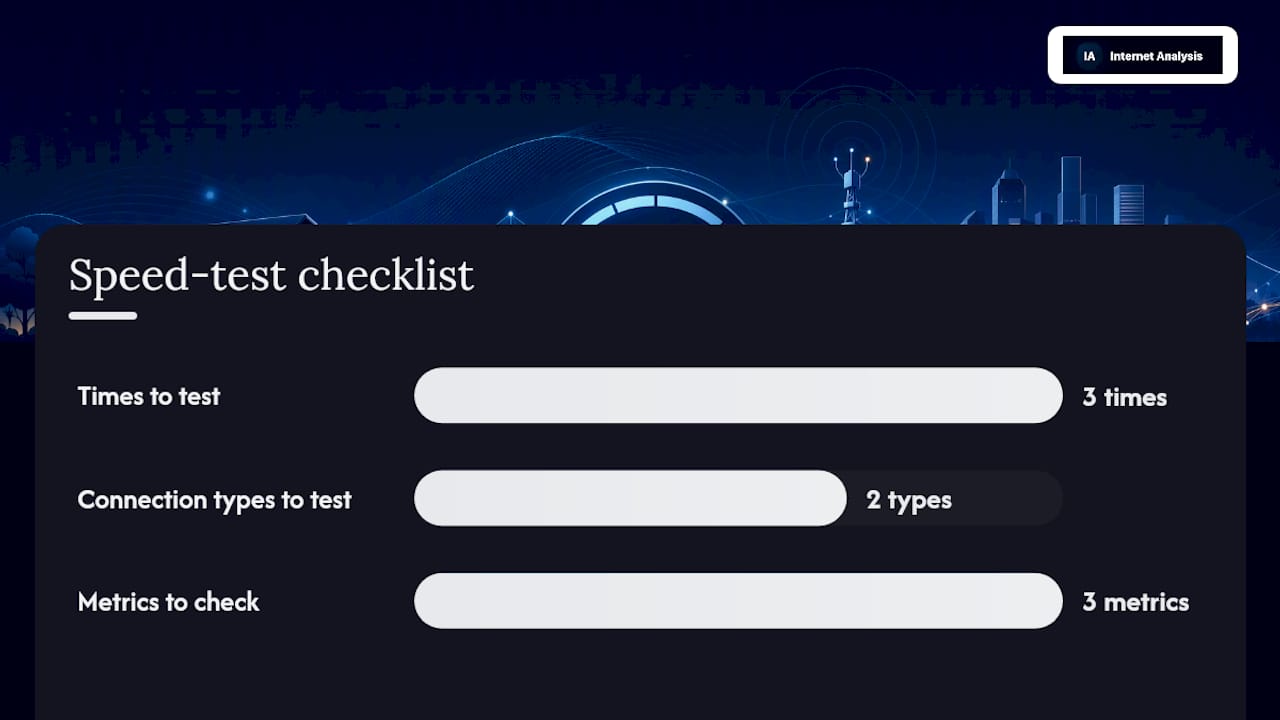
Don't trust the installer's word that everything is "good to go." Run your own tests within the first day of service. Test at three different times, including evening peak hours, and run each test on a wired connection first, then on Wi-Fi, since Mbps, latency, and packet loss each tell you something different about what's actually wrong if performance disappoints.
- Run three speed tests across different times of day
- Test wired and Wi-Fi separately to isolate the source of any slowdown
- Check latency and packet loss with repeated runs, not just one
- Try more than one test server to rule out a server-side issue
Flag anything where sustained download speed falls meaningfully below what you're paying for, or where packet loss and latency spikes show up repeatedly rather than once. Internet Analysis's diagnostic tools log timestamps, server, and test type automatically, which is exactly the evidence a support line will ask for when you report a problem.
Pro Tip: *Save every test log with its timestamp.
What Is the Timeline for Switching Providers?
A typical switch runs one to three weeks from availability check to first bill on the new service. Check availability and pick a plan in one sitting, then schedule installation, which for self-install kits can happen within days and for professional installs often takes one to two weeks depending on local scheduling.
- Test the new service immediately after activation, before canceling the old one
- Cancel your old provider only once the new connection passes your speed and latency tests
- Return rented equipment promptly, since most providers charge $50 to $200+ for unreturned gear
- Keep confirmation numbers and your test results on hand for the installation call
Overlapping service for a few days costs less than a gap in coverage or a disputed early termination fee.
What Should You Prioritize When Choices Conflict?
Rank decisions in this order: availability first, since nothing else matters if a provider can't reach you; connection type second, favoring fiber over cable over fixed wireless; true monthly cost third, calculated over the full contract; reliability fourth, checked against local and national reviews; and upload speed or latency last, weighted higher only if your work or gaming demands it.
Verify Your ISP's Real Performance Before You Commit
Choosing a plan is only half the job. The other half is confirming the provider delivers what the contract promises, and that's where Internet-analysis fits into the process you just walked through. Its diagnostic suite gives you the hard evidence a sales rep's promise never will.
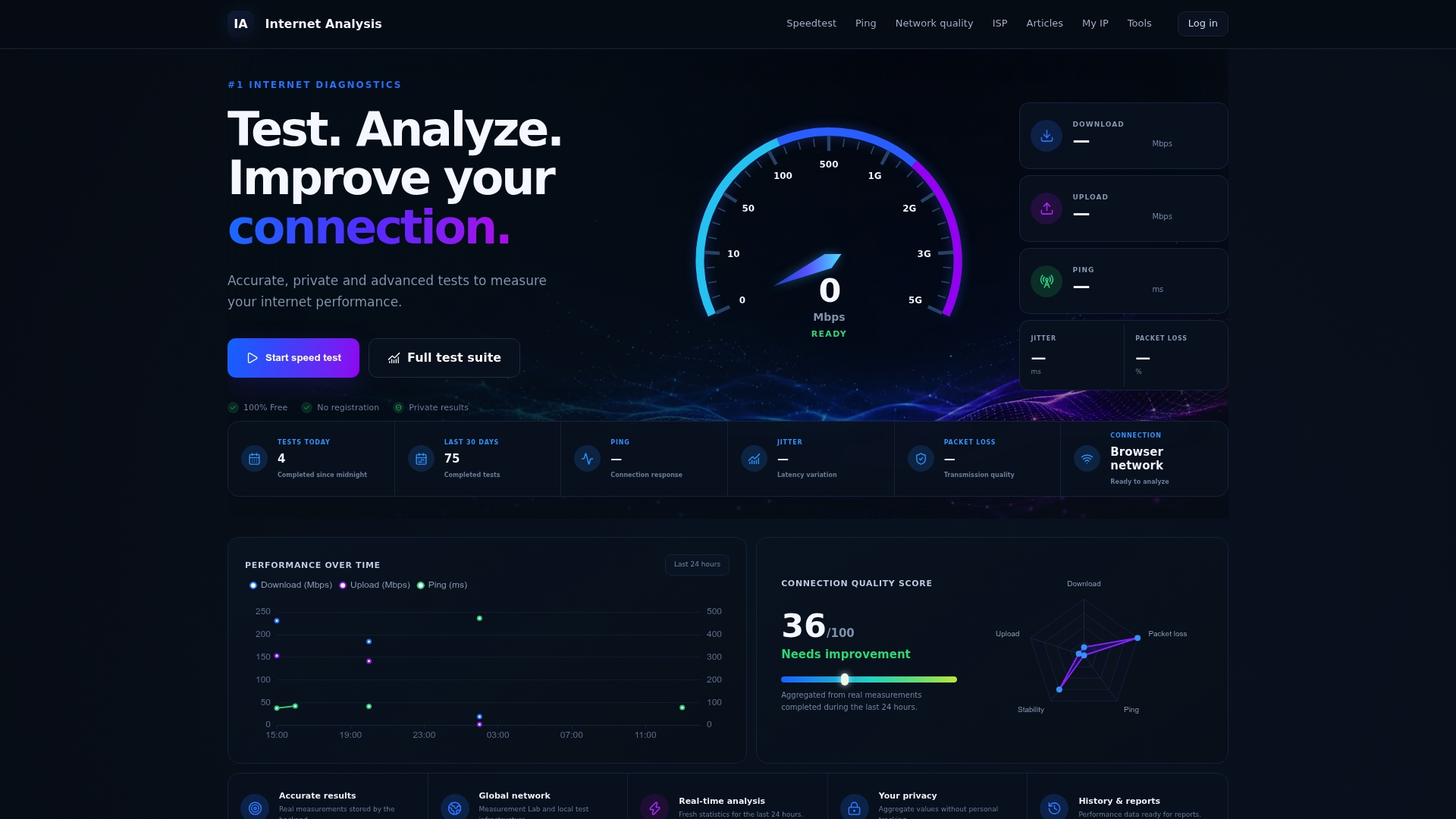
Run the speed test right after installation to confirm your download and upload numbers match the plan. Follow it with a latency check if you work remotely or game online, and a packet loss test if calls or streams keep stuttering. Each test produces a timestamped result you can hand directly to customer support, or use as proof if you need to invoke a satisfaction guarantee. Start with a free test at Internet-analysis the day your new service goes live.
Where to Learn More
- Internet Analysis diagnostic tools for address-level verification.
- Consumer Reports internet provider ratings.
- CNET's survey on internet pricing and reliability.
- Reviews.
Sources
- Don't settle for less: CNET survey — 63 percent of U.S. adults are paying more for unreliable internet service
- How to choose an internet provider
- Best and worst home internet providers