

ISP peering is a reciprocal interconnection between autonomous systems that lets two networks exchange traffic directly instead of routing it through a paid transit provider. The main operational payoff is straightforward: lower transit costs, reduced latency for the routes involved, and more direct control over traffic paths. The sections below cover the technical prerequisites, the operator workflow, and a practical checklist for standing up a session.
TL;DR:
- Peering becomes cost-effective and improves latency once traffic surpasses the combined port and operation costs, typically at higher traffic volumes.
- Setting up peering requires a provider-independent IP block, a public ASN, and a BGP-capable router, with security measures like MD5 signing and prefix filtering mandatory.
- Monitoring port utilization, latency, packet loss, and traffic asymmetry over time is essential to detect issues and prevent disputes that can lead to depeering.
- Most peering relationships start at an IXP for low-cost testing, then shift high-volume links to a dedicated PNI as traffic justifies the higher setup cost.
- Evidence-based negotiations, including real traffic sampling and latency measurements, greatly facilitate closing peering deals and maintaining healthy relationships.
Table of Contents
- What Is ISP Peering? Core Concepts and Terminology
- Public Peering vs Private Peering: Which Model Fits?
- What Do You Need to Set Up ISP Peering?
- How Does the ISP Peering Process Actually Work?
- Why Do Peering Relationships Break Down?
- What Are the Real Benefits and Tradeoffs of Peering?
- When Does Peering Actually Make Sense?
- How to Set Up a Peering Session: Step by Step
- How Diagnostic Data Strengthens a Peering Case
- What Peering Coordinators Actually Learn on the Job
- Testing Your Case Before You Make the Ask
- Sources
What Is ISP Peering? Core Concepts and Terminology
Every network on the internet operates as an Autonomous System, or AS, identified by a unique Autonomous System Number (ASN). When two ASes agree to exchange traffic directly, that's peering. When a network instead pays another network to carry its traffic to the rest of the internet, that's transit.
Most peering is settlement-free, meaning neither side pays the other, because both parties typically get roughly equal value out of the arrangement. If the traffic ratio becomes lopsided, the relationship can shift to paid peering or get refused outright.
A defining trait of peering is non-transitivity: if Network A peers with Network B, and B peers with Network C, A cannot send traffic to C through B. Peering only covers traffic destined for the peer's own network and its customers, not the wider internet.
Terms worth locking in before moving further:
- IXP (Internet Exchange Point): a shared physical fabric where many networks interconnect.
- PNI (Private Network Interconnect): a dedicated, point-to-point link between two networks.
- DFZ (Default-Free Zone): the set of routers that carry a full internet routing table and need no default route.
- BLPA (Bilateral Peering Agreement): the document, formal or informal, that sets expectations between two peers.
Public Peering vs Private Peering: Which Model Fits?
Networks interconnect through two primary physical arrangements, and most operators use both at different points in their growth. Public peering happens at an IXP, where dozens or hundreds of networks connect to a shared switching fabric and exchange traffic through individual BGP sessions across that single physical port. It's cost-efficient for reaching many smaller peers through one connection.
Private peering, or PNI, is a dedicated cross-connect between exactly two networks, usually inside the same colocation facility. It scales better for high-volume relationships because the capacity is dedicated rather than shared.
Remote peering adds a twist: a network reaches an IXP without a physical presence there, typically through a Layer 2 transport provider. It cuts colocation costs but adds a hop and a third party into the reliability equation.
- IXP port: lower entry cost, good for many small-to-mid peers, shared fabric.
- PNI: higher setup cost per relationship, but better suited to sustained heavy traffic.
- Remote peering: no local colocation needed, but adds latency and a dependency on the transport provider.
A common growth pattern: operators start peering at an IXP for low-cost trials, then migrate high-volume relationships to a dedicated PNI once traffic justifies the expense.
What Do You Need to Set Up ISP Peering?
Three things are non-negotiable before any peering conversation starts: a public ASN, at least one block of provider-independent IP address space, and a network edge router capable of running BGP. Without provider-independent space, you can't announce your routes independently of an upstream, which defeats the purpose of peering.
Session setup itself involves several standard safeguards:
- Authentication: MD5 signing on the BGP session prevents casual session hijacking.
- TTL security: setting a high TTL value and checking it on receipt (GTSM) blocks off-path attackers from spoofing session packets.
- Prefix filtering: only accept the prefixes your peer is authorized to announce, checked against IRR (Internet Routing Registry) records and RPKI (Resource Public Key Infrastructure) validation.
- Route policy tagging: use BGP communities to mark peer routes for downstream handling.
Once the session is up, three attributes decide where traffic actually flows. Local-preference controls outbound path selection within your own AS. MED (Multi-Exit Discriminator) signals a preference to your peer about which of your entry points to use. AS-path prepending artificially lengthens a route's path to discourage others from selecting it. Misconfiguring any of these three commonly causes route leaks, unintended transit relationships, or asymmetric routing where inbound and outbound traffic take completely different paths.
Pro Tip: Test new decision-attribute changes against a single limited-scope neighbor or in a lab environment before rolling them out to production peers. A local-pref mistake on a live session can silently reroute a meaningful share of your traffic before anyone notices.
How Does the ISP Peering Process Actually Work?
Peering negotiations tend to follow the same three phases across the industry, based on interviews with working peering coordinators:
- Identification. Sample traffic using NetFlow or sFlow, map flows to destination ASNs, and estimate what current transit costs for that traffic. Combining flow sampling with router port counters and targeted traceroutes reduces sampling bias and produces a ranked candidate list.
- Contact and qualification. Reach out with a peering policy statement and traffic data in hand. Networks with open peering policies will connect with almost anyone meeting minimal technical requirements; selective policies require proof of comparable traffic volume, geographic overlap, or network scale; restrictive policies mostly stay closed except to strategic partners.
- Implementation. Choose the interconnect method (IXP, PNI, or remote), size the port to current volume plus headroom, and run through session testing and monitoring before calling it live.
A BLPA doesn't need to be a lengthy legal contract. At minimum it should cover expected traffic ratios, notice period for changes or termination, technical contact information, and acceptable use expectations.
Why Do Peering Relationships Break Down?
Peering policies fall into three practical buckets. Open policies accept nearly any qualified peer with no negotiation. Selective policies impose traffic or geographic minimums. Restrictive policies limit peering to a short list of strategic partners, often for competitive reasons rather than technical ones.
Depeering, when a network unilaterally cuts an existing peer, most often follows a perceived shift in value, a sustained traffic imbalance, or some form of operational abuse like excessive route flapping or unfiltered attack traffic. Documented expectations in a BLPA and transparent monitoring on both sides substantially reduce that risk.
Operators keep the relationship healthy using the same routing levers covered above: local-preference to control which of several equal paths gets chosen, MED to steer inbound traffic across multiple entry points, AS-path prepending to de-prioritize a backup route, and communities to tag traffic for policy enforcement further downstream.
- Monitor port utilization on both sides of the interconnect, not just your own.
- Track one-way packet loss separately from round-trip loss, since peering asymmetry can hide problems in an averaged RTT figure.
- Watch RTT trends over weeks, not just spot checks, to catch slow degradation before it becomes a dispute.
Reducing transit costs is consistently cited as the single largest driver behind peering decisions, which is exactly why traffic-ratio disputes tend to escalate quickly.
What Are the Real Benefits and Tradeoffs of Peering?
Peering's economic case is simple: every byte moved over a peering link is a byte you're not paying a transit provider to carry. For networks with meaningful traffic to a handful of popular destinations, that adds up fast.
Performance gains are just as real. Direct paths mean fewer hops, and keeping traffic local rather than routing it through distant transit links improves resilience and reduces dependency on infrastructure outside your control. A network quality check often shows a visible latency drop the moment a route shifts from transit to a direct peer.
But peering isn't free of overhead:
- Port and cross-connect costs still apply, even on a settlement-free peer.
- Low-volume peers can cost more in monitoring and negotiation time than they save in transit fees.
- Every new session adds a filter set, a monitoring target, and a relationship to maintain over years, not months.
When Does Peering Actually Make Sense?
Peering earns its overhead once traffic to a given destination network reaches a level where the transit savings clearly outweigh port, cross-connect, and staff time. There's no universal number, since it depends heavily on your current transit rate and port cost, but the decision usually comes down to a handful of checks:
- Estimate transit cost avoided. Multiply the sustained Mbps to that AS by your current transit rate to get a monthly savings figure.
- Compare against port and colocation cost. A gigabit IXP port with modest colocation fees pays for itself quickly against a large enough traffic flow; a low-traffic peer may never break even.
- Check operational readiness. Confirm you have monitoring, on-call staffing, and a colocation presence (or a remote peering partner) before committing.
- Prioritize candidates by traffic volume first, then by geographic and topological overlap, since a nearby peer with heavy mutual traffic beats a distant one with light traffic every time.
How to Set Up a Peering Session: Step by Step
- Pre-provision your ASN, IP blocks, and a public peering policy document with technical and business contacts listed.
- Publish accurate route objects in the relevant IRR and register your prefixes in RPKI.
- Exchange BGP session details with your peer: IP addresses, ASN, expected prefix count, and MD5 key if used.
- Bring up the session and verify prefix filters match what was agreed before opening it to production traffic.
- Confirm RPKI validation status and IRR-based filters are actually rejecting invalid announcements, not just logging them.
- Hand off monitoring thresholds (utilization, loss, RTT) to your operations team and set a review cadence, typically quarterly.
Pro Tip: Bring the session up with a low local-preference first, watch traffic for a day, then raise it. That single step catches most filter mistakes before they affect real users.
How Diagnostic Data Strengthens a Peering Case
Traffic sampling tells you who to approach; measurement data tells you whether the relationship is delivering. AS-level traceroutes reveal whether traffic to a candidate peer is taking an unnecessarily long path through transit, and latency and packet-loss checks quantify exactly how much a direct connection would help.
- Run advanced network testing before and after a session goes live to document the latency delta with real numbers.
- Aggregate results across vantage points rather than a single test to avoid drawing conclusions from one anomalous path.
- Bring loss and jitter figures, not just latency, into negotiations. Loss patterns often expose congestion a peer hasn't noticed yet.
Reporting concrete before-and-after numbers, rather than estimates, is usually what turns a peering proposal into a signed BLPA.
What Peering Coordinators Actually Learn on the Job
Data wins arguments that opinions never will. Coordinators who show up with real traffic samples and a specific ask close deals faster than those who lead with a general pitch. Operator forums and events like NANOG or in-person IXP meetings routinely start relationships that cold email never would, since a face-to-face introduction builds the trust a filter policy can't.
The recurring mistake is over-promising traffic growth to justify a port upgrade, then scrambling when volume falls short. Write the actual expected ratio into the BLPA, not the optimistic one.
Three things carry weight in the long run: documented expectations, patience on port costs, and treating every peer relationship as one you'll need to renegotiate eventually.
— Tomasz
Testing Your Case Before You Make the Ask
Peering proposals live or die on evidence, and that's precisely where measurement tools fit into the workflow. Running an internet speed test or a full network quality check against a candidate peer's network gives you real download, latency, and packet-loss numbers instead of estimates pulled from a spreadsheet.
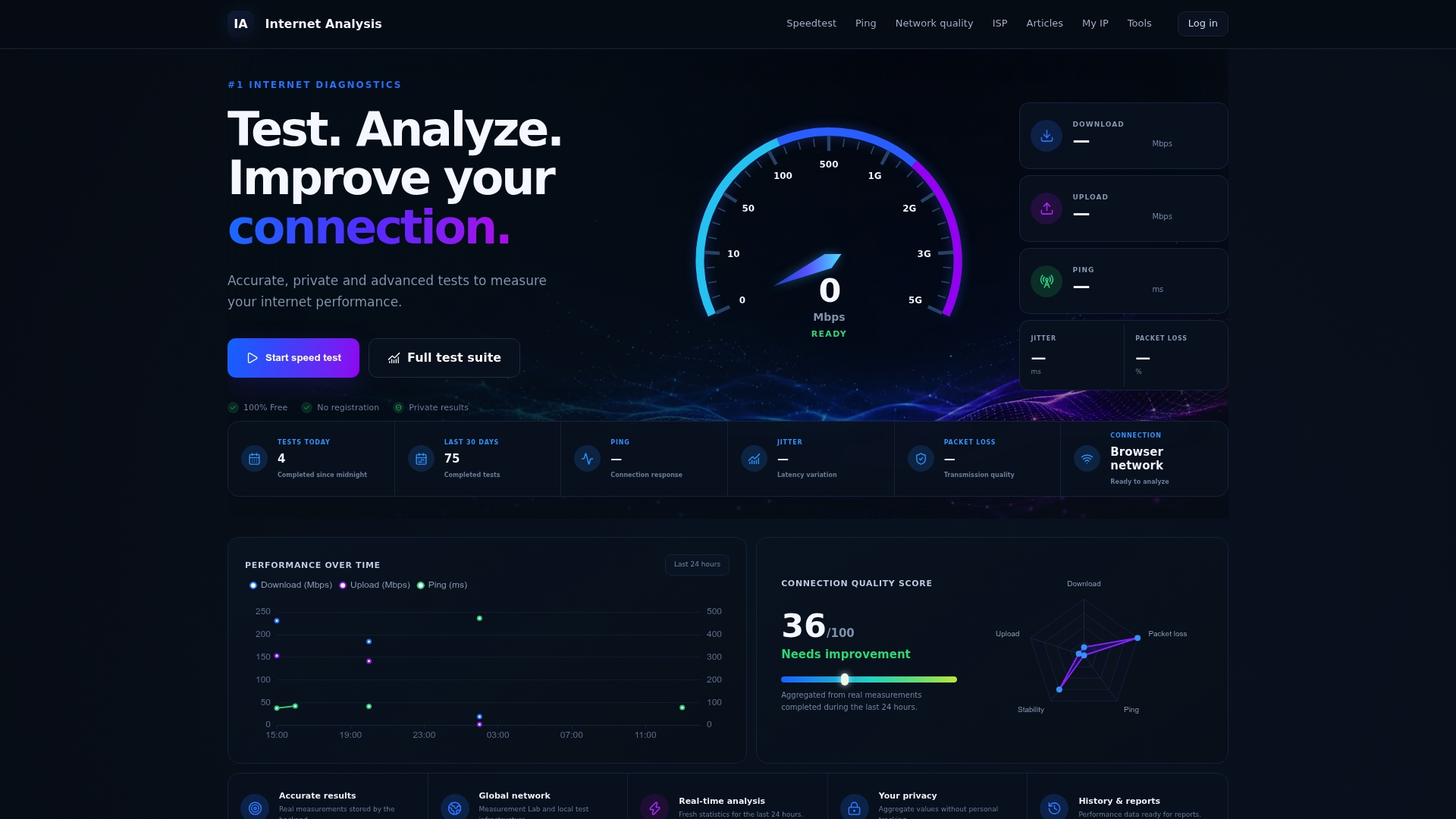
Results are aggregated from millions of tests run across many countries, without tying any single result to a personal identity, so the latency and loss figures you cite in a peering negotiation reflect real-world conditions rather than a single lab measurement. For anyone comparing current transit performance against a proposed peering path, advanced network testing adds traceroute and one-way latency detail that a basic speed check won't surface. Run a test on your own connection first, document the baseline, then compare it after the session goes live.
Sources
- The Internet Peering Playbook — Internet Peering
- Internet Service Providers and Peering — William B. Norton (Stanford/NYU reading)
- Configuring BGP decision attributes — Cisco documentation